
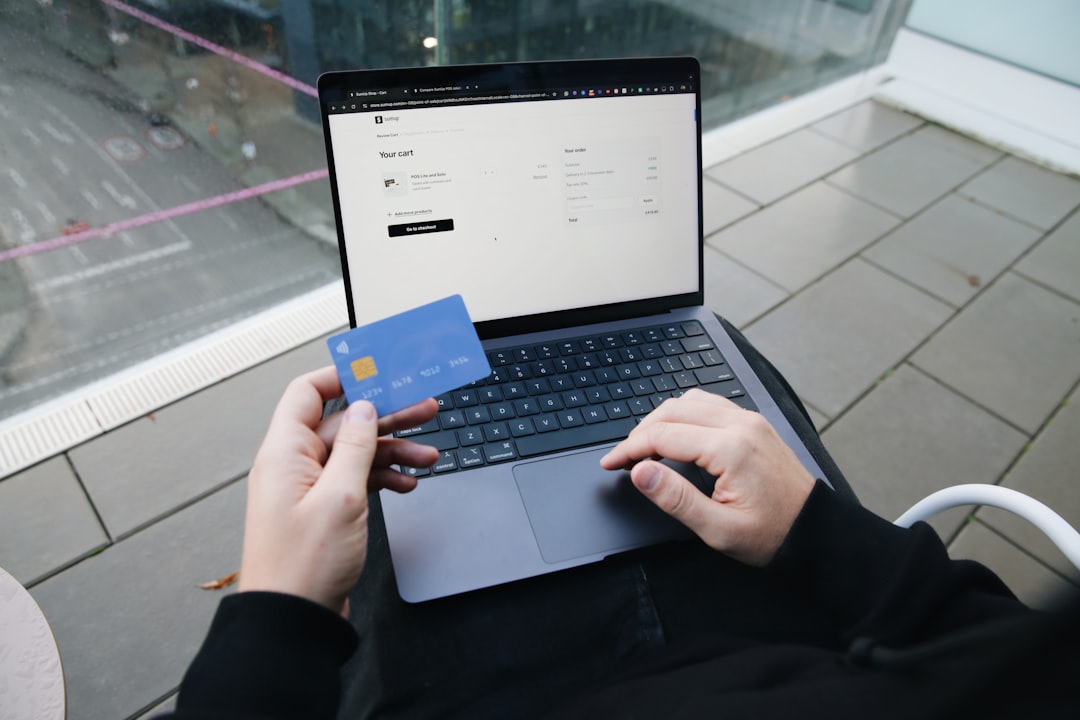
Have you ever found a bill pending payment even after paying on UPI and getting a confirmation? It’s more common than most people realise, and it doesn’t necessarily mean anything has gone wrong with your money.
Jump To
- Why This Small Gap Feels So Confusing
- What Payment Successful Actually Confirms on Your End
- The Journey a UPI Bill Payment Takes Before It Reflects as Paid
- Common Reasons the Biller Still Shows It as Unpaid
- How a UPI-Linked App Keeps a Trail You Can Actually Use
- What to Do If Your Bill Payment Still Shows Unpaid
- Final Thoughts
A UPI payment showing as successful and a bill showing as paid are technically two separate confirmations, even though most people expect them to update at exactly the same moment.
The first tells you the money has left your account through the payment rails. The second depends on the biller’s own system picking that payment up and marking it against your specific account.
Keep on scrolling to find out more!
Why This Small Gap Feels So Confusing
Most people’s first experience with UPI is sending money to a friend or family member, where the transfer and the reflection on the other side happen almost in the same second. Bill payments feel like they should work the same way, but a biller isn’t a person receiving money into a personal account. There’s usually a third system in between that has to pick up the payment, match it to your specific bill, and update its own records before your account shows as clear, and that extra step is where the short delay tends to come from.
What Payment Successful Actually Confirms on Your End
The success screen you see right after paying only confirms that your bank has processed the debit and that the amount has moved through the UPI network to the destination account. It does not confirm that the biller’s internal system has already read that payment and updated your bill status. Those are two separate steps handled by two separate systems, and the first one finishing doesn’t automatically mean the second one has too.
The Journey a UPI Bill Payment Takes Before It Reflects as Paid
A single payment actually passes through several checkpoints between the moment you tap confirm and the moment your bill status changes. Walking through each one makes the delay easier to understand rather than something to worry about.
Debit From Your Account and Immediate Confirmation
Once you approve the payment with your UPI PIN, your bank takes away the amount and sends back a confirmation, and that’s how you get the success message on your screen. The money has left your account at this point, but it may not have arrived and been logged on the biller’s side yet.
Settlement Between the Two Banks Involved
Behind the scenes, your bank and the biller ‘s bank ( or the payment aggregator who collects payments for the biller ) settle the transaction between themselves . This is normally very fast , typically measured in seconds or a few minutes . During times of high transaction volume it can sometimes take a little longer than usual .
Reconciliation on the Biller’s System
Finally, the biller’s own system has to pick up the settled payment, match it against the correct consumer or account number, and update its records accordingly. Many billers run this reconciliation in scheduled batches rather than continuously, which is often the real reason a payment shows as successful on your end well before it’s reflected as paid on theirs.
Common Reasons the Biller Still Shows It as Unpaid
A handful of specific issues can easily explain most of the delays you may run into.
- The biller runs its reconciliation batch a few times a day, so your payment is waiting for the next cycle.
- The consumer number or biller reference attached to your payment was slightly outdated or entered incorrectly.
- The payment was routed through a collection aggregator, adding one extra settlement leg before it reaches the biller directly.
- A maintenance window or technical outage on the biller’s end delayed their system from picking up new payments.
- Two payments arrived close together and got held for manual matching to avoid a duplicate credit.
How a UPI-Linked App Keeps a Trail You Can Actually Use
Apps that let you check both your bank debit and the biller’s reflection status from a single place make this kind of follow-up far less stressful. When you pay through UPI inside such an app, you typically get a reference number tied to the transaction right away, and that number is exactly what a biller’s support team will ask for if you need to escalate a payment that hasn’t been reflected yet.
What to Do If Your Bill Payment Still Shows Unpaid
If a bill payment you’ve made isn’t reflecting after a reasonable window, a few steps usually resolve it without much drama.
- Save the UTR or transaction reference before closing the app or the message.
- Give it the standard reconciliation window, usually anywhere from a few hours up to 24 to 48 hours.
- Check your bank statement to confirm the debit actually went through and matches the amount you intended to pay.
- Contact the biller’s support with the UTR and a screenshot of the successful payment, since this is the fastest way for them to trace it.
- If the window has passed with no resolution, raise a formal dispute with your bank, which can trace the transaction on the settlement side.
Final Thoughts
A successful UPI payment and an updated bill status are two different milestones handled by two different systems, and a short gap between them is normal rather than alarming. Most of these situations resolve on their own within the biller’s usual reconciliation window, without you needing to do anything at all. If it stretches well beyond that window, though, having your UTR ready and knowing exactly who to contact turns what feels like a confusing problem into a quick, ordinary fix.
At a Glance
- A UPI payment confirmation indicates that the money has left your account, but does not confirm that the biller’s system has marked the payment as received.
- Bill payments involve a third system between the payer and the biller that must match payments to accounts and update records, which can cause delays.
- Many billers operate reconciliation processes in scheduled batches rather than continuously, leading to potential delays in reflecting payments.
- Common reasons for a payment to still show as unpaid include outdated consumer numbers, routing through a collection aggregator, or maintenance on the biller’s end.
- Using an app that integrates both bank and biller’s payment statuses can simplify tracking payments and resolving discrepancies.
- If a bill payment is not reflected after 24 to 48 hours, it is recommended to save the transaction reference and contact the biller’s support for resolution.